Welcome to Day 1 of the A to Z Challenge for 2018. Yes, it is April 1 but this is no April Fool’s joke. This year I’m blogging my way through the alphabet in Michaels Arts and Crafts Store. I wrote about starting to work there last September and Jacqui Murray from Word Dreams made a comment that it would be a good subject for an A to Z theme and I had to agree. So, thanks Jacqui! Here we go.
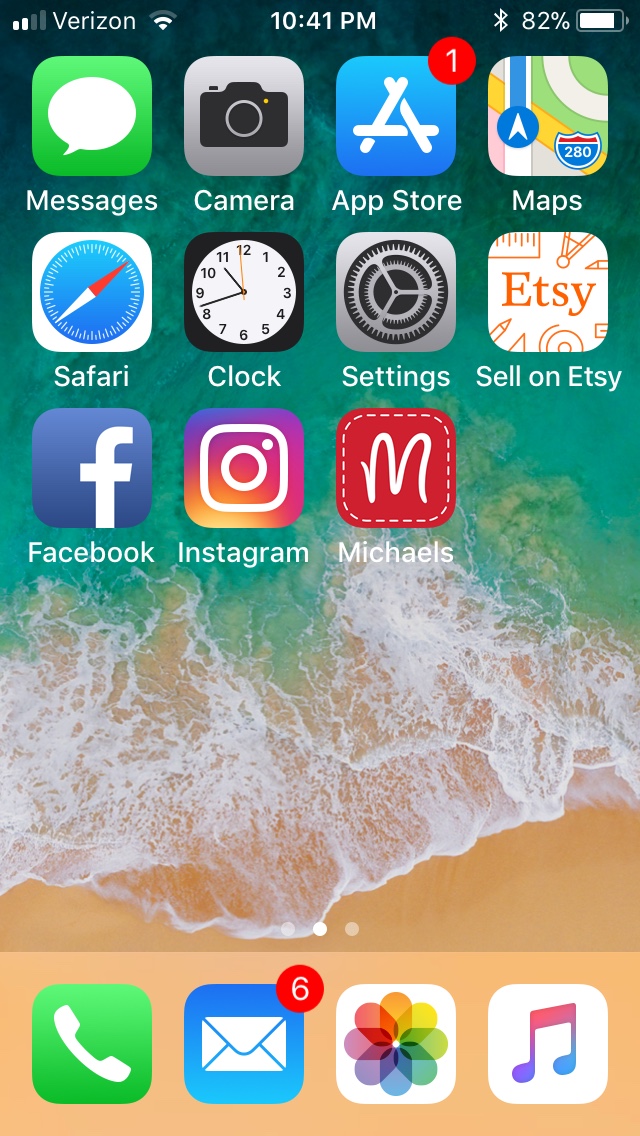
Since the name of the store is actually Michaels Arts and Crafts, you might have thought I would start with Art but I am using neither Arts nor Crafts as letters in my alphabet! Instead I am starting with App, as in the Michaels App that you can download for your smartphone or tablet. This is what it looks like on my screen.
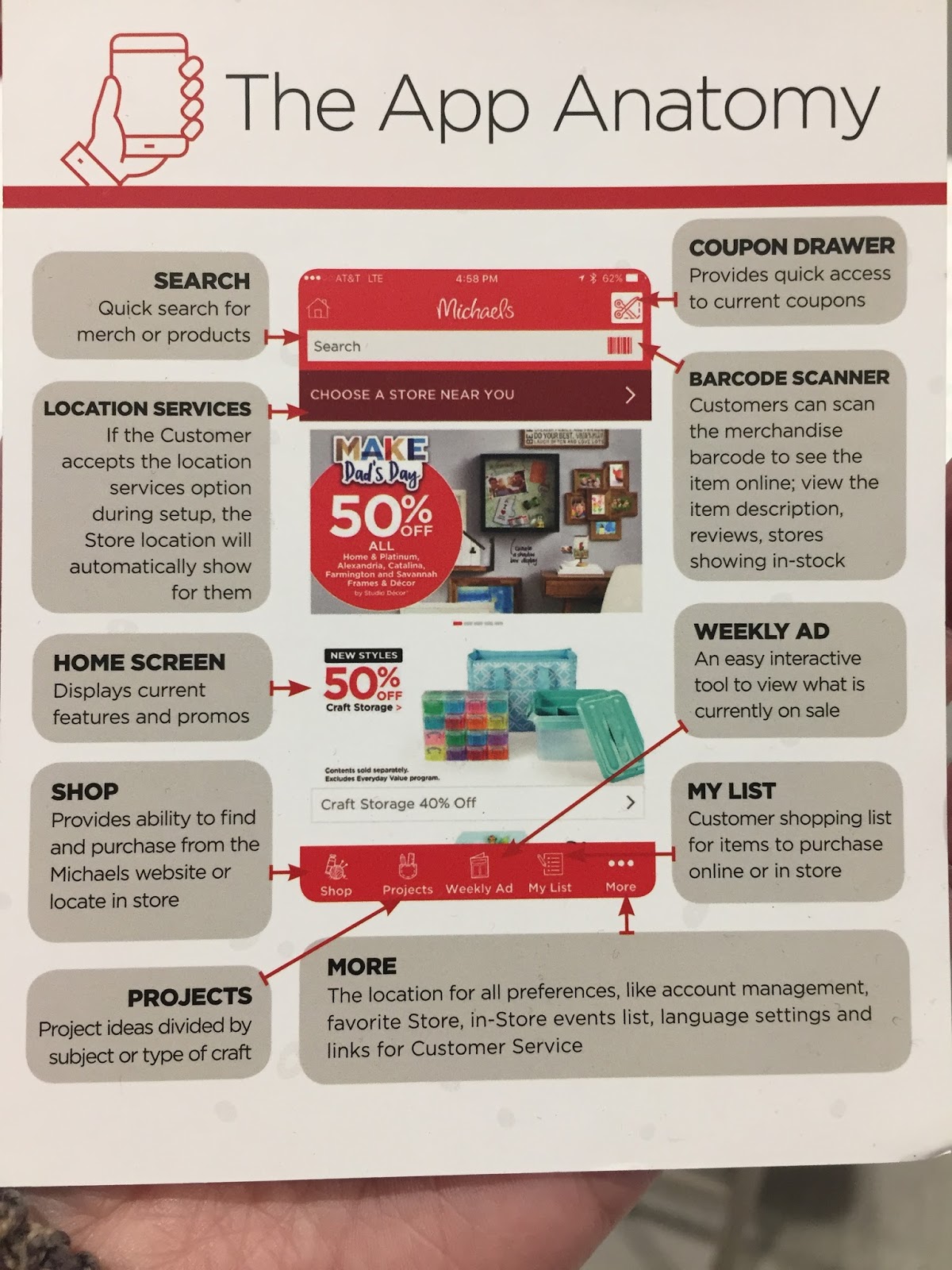
The Anatomy of the App as defined by the handout that Michaels gives.
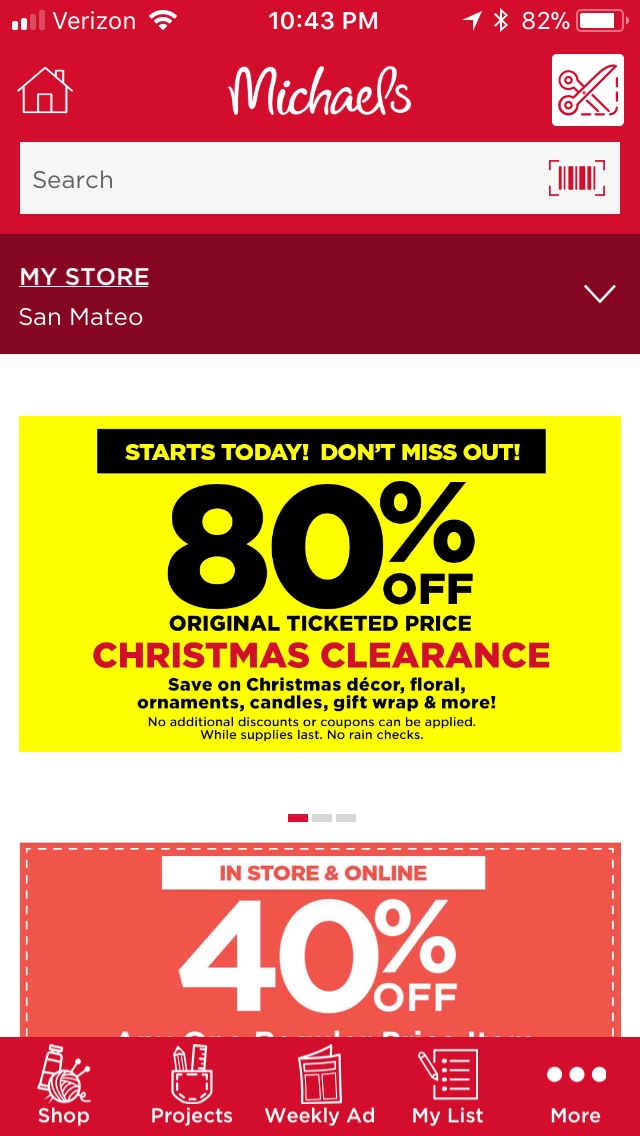
This is what my home screen looks like. From it I can navigate to lots of different places. By tapping on the little scissors on the upper right corner I can get to the latest coupon deals. I can say that there are usually coupons of some sort EVERY SINGLE DAY so it is to your benefit to access this information from your phone and even more benefit for all concerned if you access it BEFORE you get to the check out counter. If you have trouble, the cashiers will be more than happy to help. If you are a Michaels Rewards member (and you should be) your rewards code will be there as well and the cashier can scan that too.
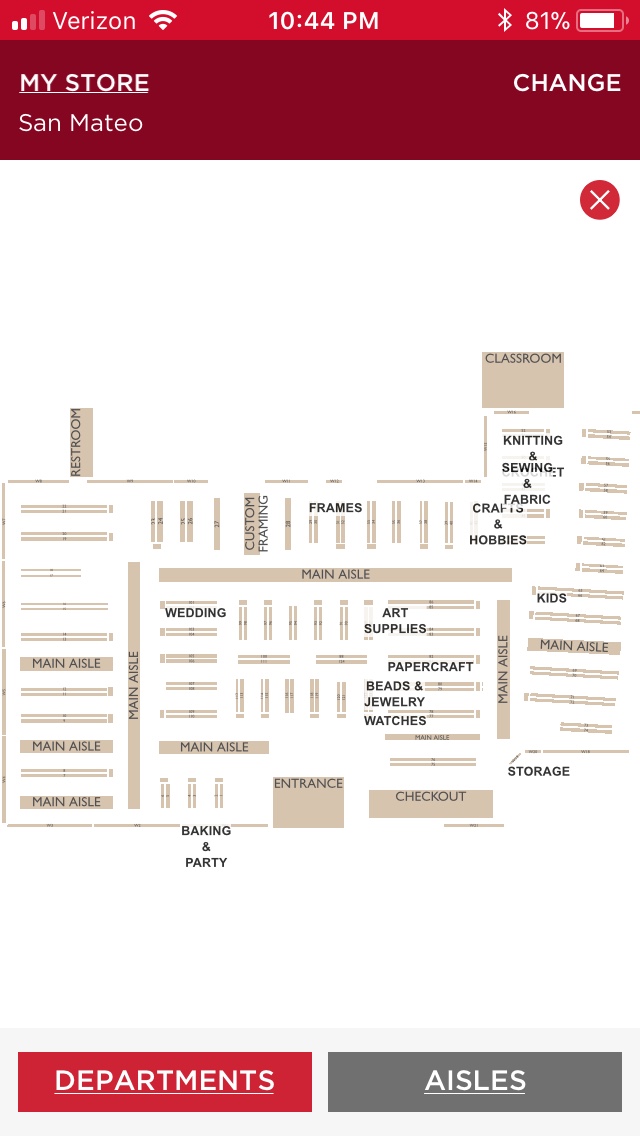
Also available in the app is a map of the store. Michaels can be an overwhelming experience, even to a veteran shopper. This map will show you aisle by aisle where everything is. True, you may need a magnifying glass to see it, but it is there! There is a search bar and you can use that to search for something specific. If you find a product and you want to know how much it costs, you can tap the bar code icon and a scanner will appear so that you can scan the item and find the price.
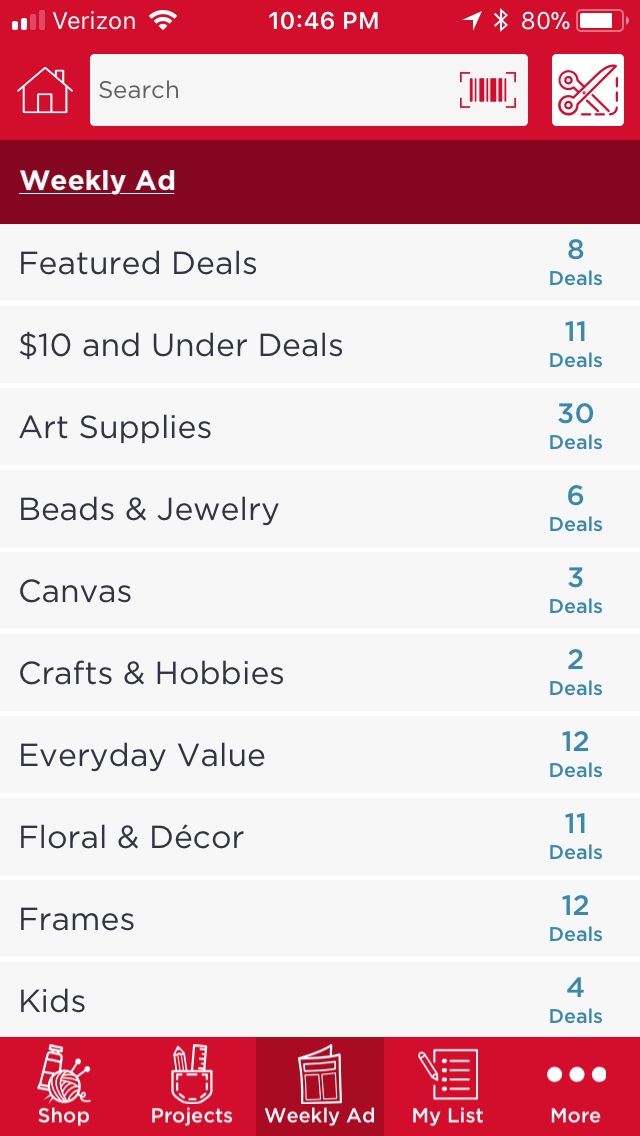
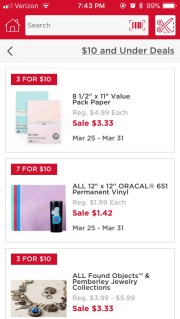
Tapping on the Weekly Ad icon at the bottom of the screen will take you to the page showing what is on special sale that week. From the example below you can see that there are 8 Featured Deals, 11 Deals $10 and under, 30 Art Supply Deals, etc. If you tap on the $10 and under deals, you get a list of what deals are $10 or less.
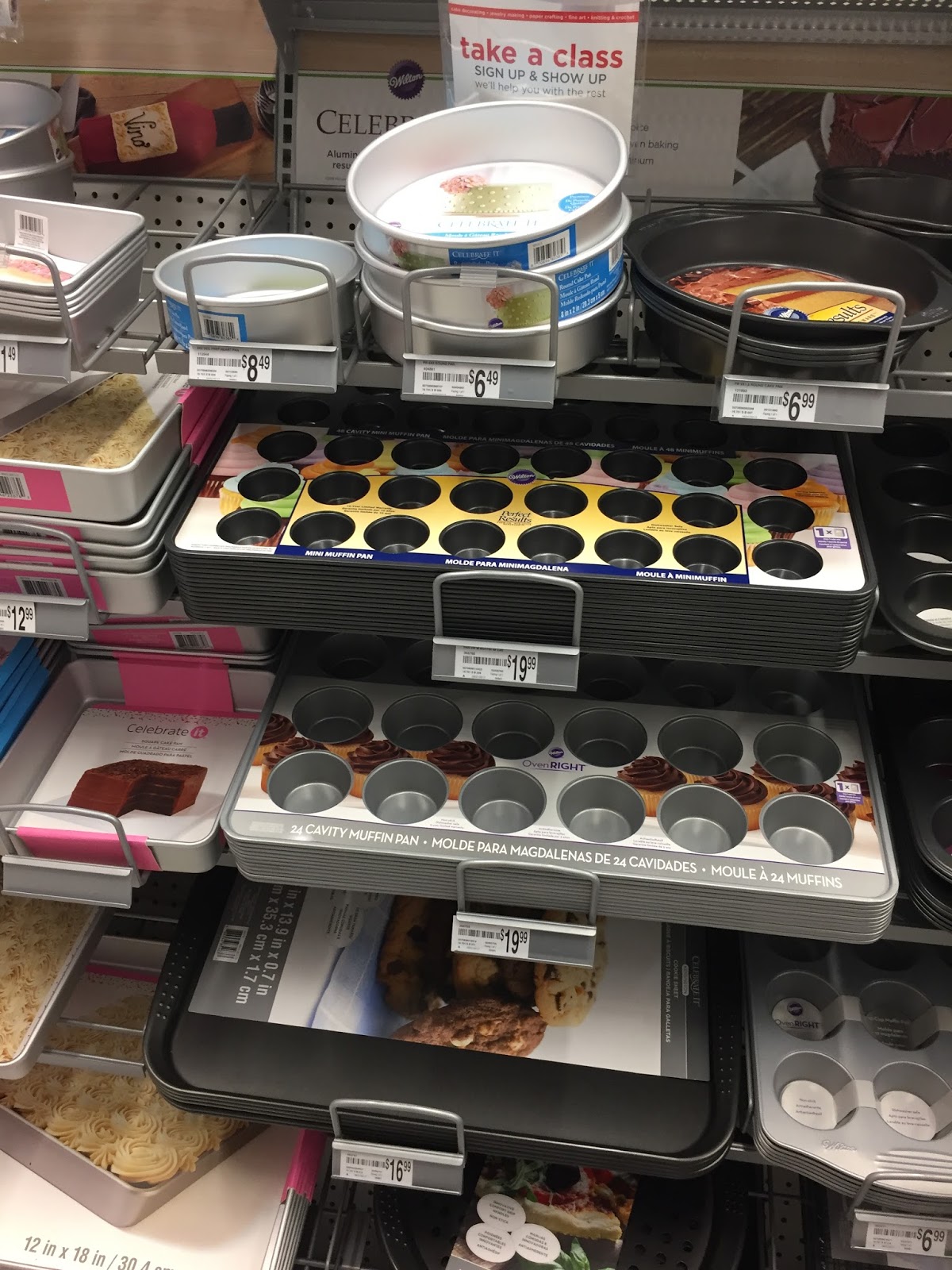
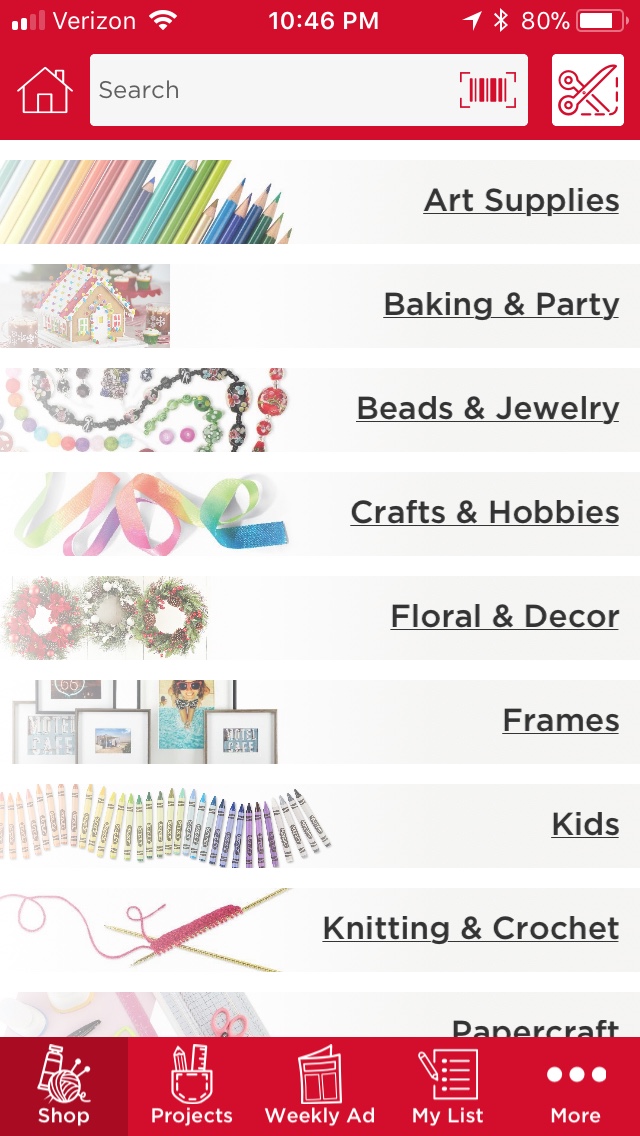
You can also just shop by category. Say you are looking for some baking supplies. You would click on that and it would take you to the things available in the baking section. Say you wanted to bake 48 muffins. We have a pan for that!
Scrolling down shows that it is available on Aisle 2 in our store.
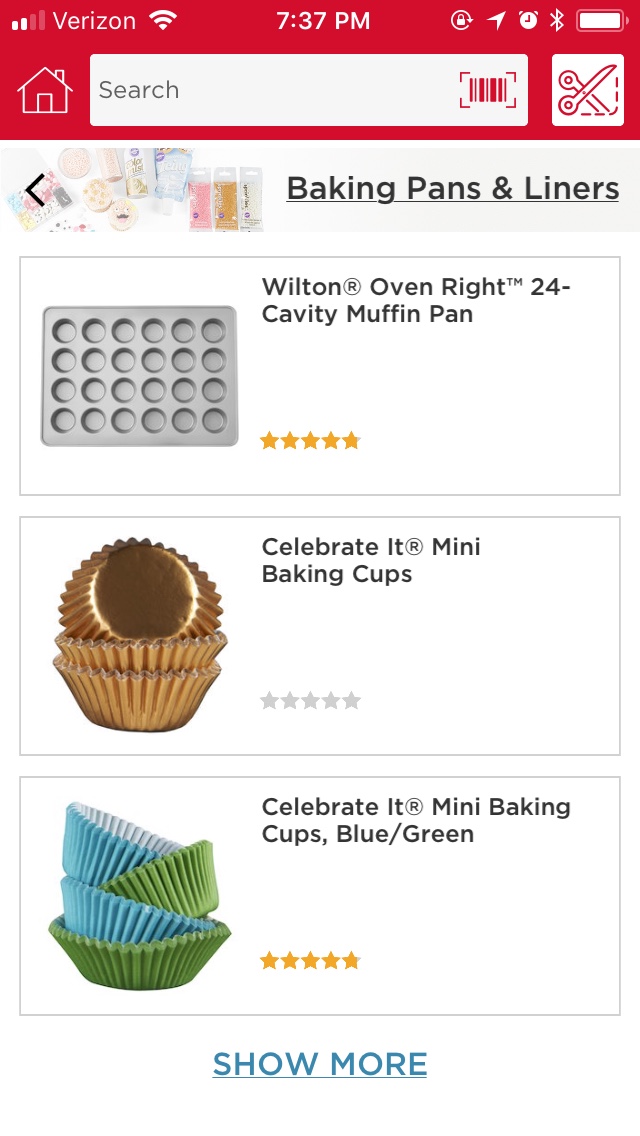
Scrolling down even farther you can see what other supplies you might need, such as cupcake liners and scrolling even farther you can see some recipes that go along with the muffin pan.
Isn’t that a helpful feature? You can do that with just about every category!
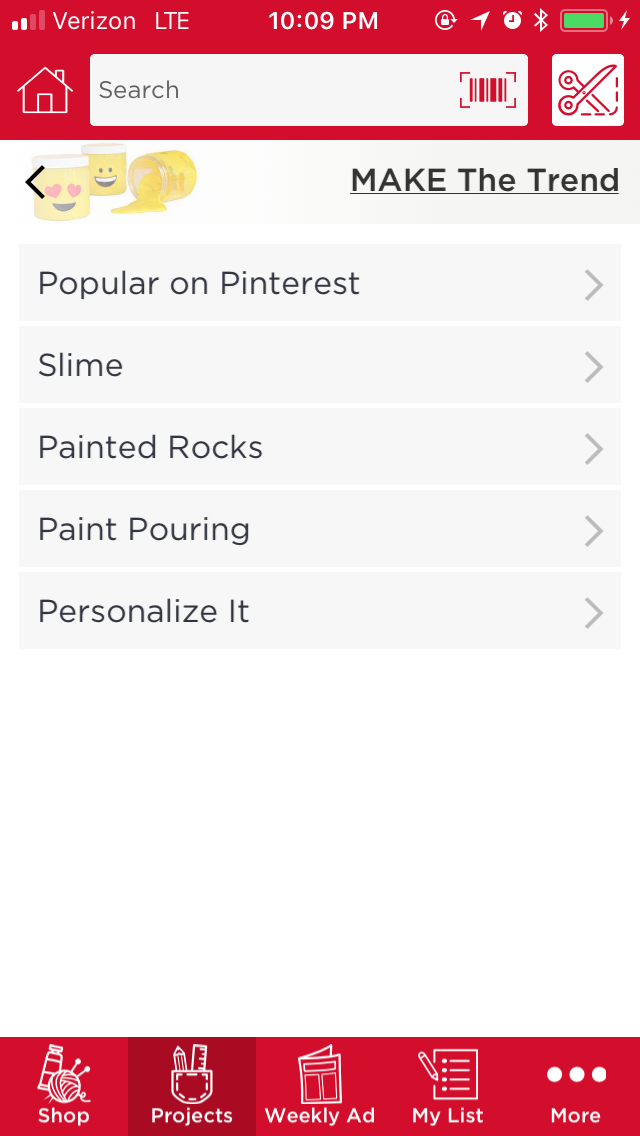
You can also get ideas for projects on the app. Just click on the “Projects” icon on the bottom of the screen and you’ll get a list that looks like this:
Clicking on Make the Trend shows you the most popular things that are trending on Pinterest and in the kids world, like Slime. I tell you I am so glad my kids are too old for that particular craze!
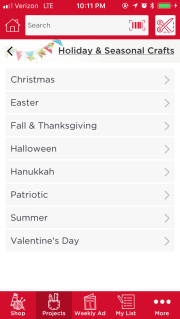 There are also Holiday and Seasonal crafts to choose from.

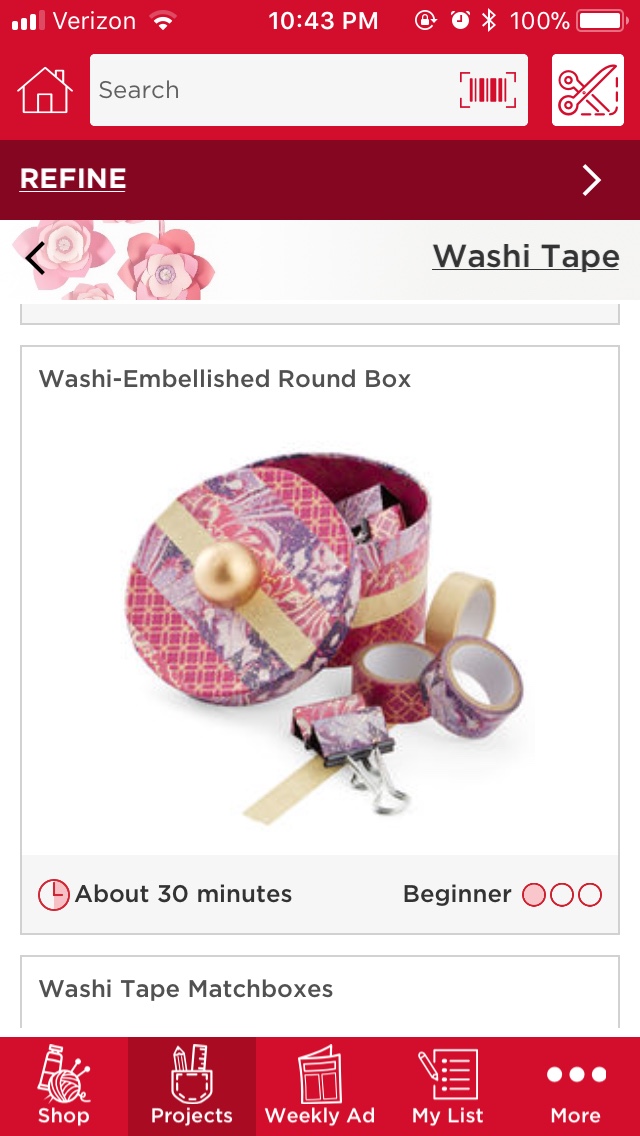
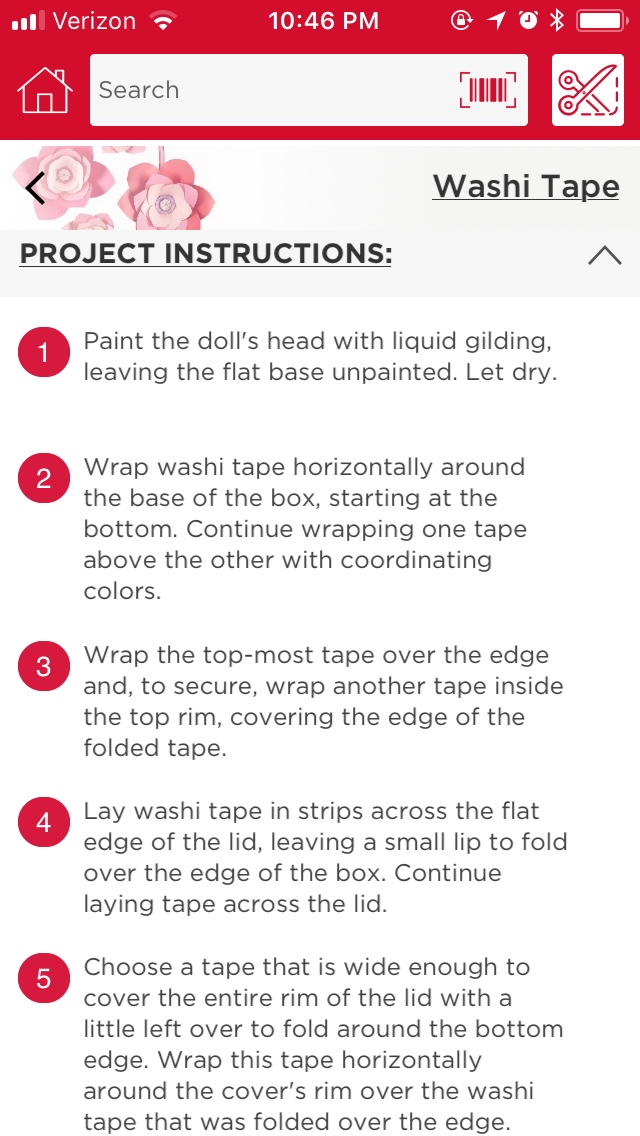
You know I am a paper crafter so I chose that category. From that I saw that there was a craft using Washi Tape. I am in love with Washi tape so if I choose that, it shows me this craft to make, the Washi-Embellished Round Box. Scrolling down shows me what I need to make the project, where to find it in the store and the instructions:
Isn’t that cool? You can literally spend hours just on the app before you even head for the store. You can add the things to “your list” and then when you get to the store you can go right to where you need to go. Also, if you would rather order things online and save yourself a trip, it is possible to order through the app. It takes you to Michaels website and if the products are available there, you can order them and save yourself a trip. Be aware though, that some things that are sold in the store may not be online and vice versa.
And so begins the A to Z of Michaels Arts and Crafts. I hope you have enjoyed the lesson on the App and how valuable it can be as a tool to navigate the store and find the best deals. If you have any questions, leave me a comment and I’ll try to answer them. Come with me tomorrow where we will discover what B has in store!
Make sure to stop by the A to Z Challenge list and see what other participants are offering. There is always something new and unique going on!
from Blogger http://asmile4ufromjanet.blogspot.com/2018/04/blogging-from-to-z-2018-is-for-app.html
via IFTTT